Netflix TV Games: Strategy for Group Game Nights
Netflix TV games strategy is turning living rooms into lively game hubs, and that shift could reshape group game nights. With simple controllers and the Netflix app on smart TVs, friends and families can jump into shared play without new consoles. The result feels immediate: less setup, more together time, and familiar titles adapted for a lean-back audience.
This introduction explores what those TV-based games offer, who they suit, and why they matter now. We’ll look at family-friendly formats, quick-party mechanics, and how streaming companies integrate games into existing platforms. The focus is practical: ideas for game-night lineups, device-ready tips, and ways to keep competitive play inclusive.
If you host weekly gatherings or want to refresh family entertainment, these TV games could be the easiest upgrade. Short sessions fit mixed-age groups. Cooperative modes lower the barrier for casual players. Read on for concrete examples and simple tweaks to make your next group night unforgettable.
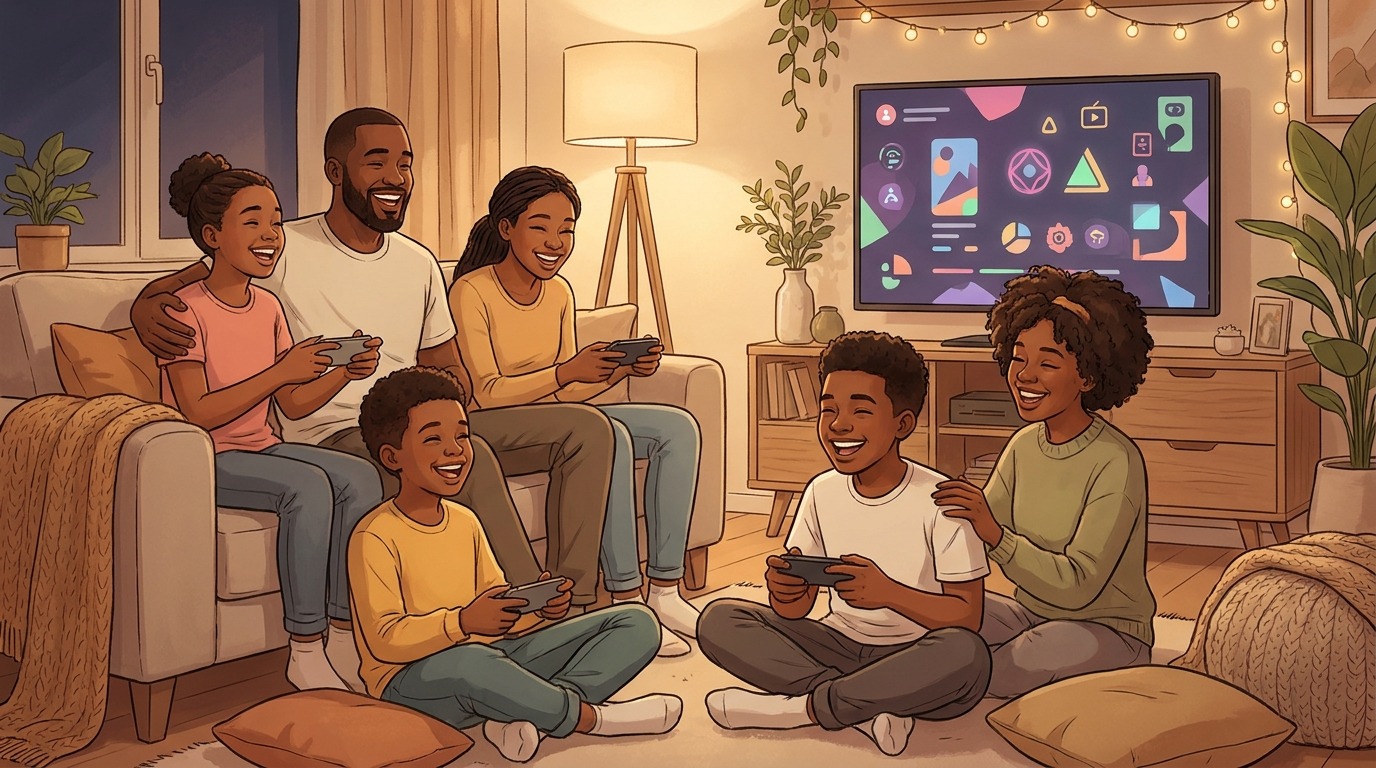
Netflix TV games strategy: how the pieces fit
Netflix has been expanding beyond video since 2021, and TV-based games are the next logical step in its interactive-streaming playbook. Rather than chasing hardcore console audiences, this move targets casual, shared-play moments. The goal is clear: make multiplayer fun, fast, and familiar for living rooms and family gatherings.
Below are the core strategic elements that shape this approach:
- Accessibility on TVs and streaming devices: Games live inside the main app, reducing friction for players already on the platform.
- Low-friction entry: No new consoles or complex installs. Sessions start in minutes and favor short rounds.
- Family and group-first design: Titles emphasize cooperative modes, party mechanics, and age-friendly rules to suit mixed-age groups.
- Multiple input options: Simple remotes, companion mobile controls, and basic controllers widen the player pool.
- Curated, casual game types: Trivia, party puzzles, quick word games, and cooperative mini-games fit a lean-back audience.
- Platform discoverability and cross-promotion: Games surface alongside shows and recommendations to capture existing attention.
- Data-driven iteration: Usage signals guide updates, new releases, and regional tailoring.
Together, these moves show a pragmatic, subscriber-focused strategy. Netflix is optimizing for shared moments rather than deep single-player experiences, which makes TV-based games an attractive social layer for group game nights.
| Game title | Gameplay style | Family-friendliness | Accessibility (devices) | Multiplayer capabilities |
|---|---|---|---|---|
| Boggle (Netflix) | Fast-paced word search and letter grids | High — suitable ages 7+ | Smart TVs via Netflix app; streaming devices; mobile companion controls | Turn-based local multiplayer; up to 6 players |
| TV Trivia Party (example) | Timed trivia rounds with buzzer action | High — adjustable difficulty levels | Smart TVs; streaming devices; smartphones as controllers | Simultaneous buzzer play; up to 8 players |
| Puzzle Party (example) | Short cooperative and competitive mini-puzzles | High — cooperative modes for mixed ages | Smart TVs; streaming devices | Co-op and pass-and-play; 2–4 players |
| Interactive Story Co-op (example) | Choice-driven mini-adventures with shared outcomes | Medium — best for teens and adults | Smart TVs with optional companion app | Team-based cooperation; 2–4 players |
| Classic Board Adaptation (example) | Turn-based board mechanics adapted for TV | High — family-friendly with simple rules | Smart TVs; optional controllers | Local pass-and-play or shared turns; up to 6 players |
Evidence: facts and voices on Netflix’s TV games
Netflix’s gaming efforts began in 2021, when the company expanded beyond streaming video into interactive products and mobile titles. In the most recent phase, Netflix launched TV-based games last year, adding titles directly inside its main app.
Those TV-based games are accessible through the Netflix app on smart TVs and common streaming devices. Players can launch games without additional downloads or external storefronts. That reduced friction is important for casual group play.
One notable example is Netflix’s version of Boggle, which demonstrates how classic formats translate to a TV setting. Making games available inside the existing app helps discoverability. It also encourages families to try games during ordinary viewing sessions.
Public reception and early reviews have been optimistic. Andrew Webster captured that sentiment simply: “The new TV-based games feel right.” His remark highlights how the format matches lean-back living-room habits.
Together these facts point to practical benefits. Built-in access, simple controls, and familiar game concepts lower the barrier for mixed-age groups. For hosts and families, that means less setup and more time playing together. The evidence supports the idea that Netflix’s TV approach can nudge group game nights toward easier, shared gaming experiences.
Conclusion
Netflix’s new TV games strategy makes group game nights easier and more inclusive. By putting games inside the main app, the company reduces setup and invites casual play. Simple controls, short rounds, and family-friendly formats let mixed-age groups join quickly.
This approach shifts focus from high-end hardware to shared moments. Hosts spend less time configuring devices and more time playing. Cooperative and party-style titles keep competition light and welcoming for everyone.
LeisureQuest helps readers turn these options into memorable gatherings. Our mission is to surface curated leisure ideas that bring people together, whether at home or on the go. We flag accessible activities, recommend game-night lineups, and suggest small tweaks to boost fun and fairness.
Discover more family-friendly ideas and practical guides at LeisureQuest: LeisureQuest. Try a TV game night this week and see how simple changes can refresh your group gatherings.
Frequently Asked Questions (FAQs)
How do I start a TV game on Netflix?
Update the Netflix app first. Open Netflix on your TV and look for a Games row or use search. Select a game, pick a profile, and follow the on-screen prompts. If prompted, pair a phone or simple controller for input.
Are Netflix TV games suitable for children?
Many titles are family-friendly, but age ranges vary. Use a dedicated child profile, preview game descriptions, and supervise younger players. Adjust rules or team up to keep play inclusive.
What devices and controllers work best?
Most modern smart TVs and common streaming devices support TV games. Simple remotes, companion smartphone controls, and basic Bluetooth controllers are usually sufficient. Try the control option that feels most natural for your group.
How will TV games change my group game nights?
They reduce setup and invite casual play. Short rounds and cooperative modes keep everyone engaged. Rotate players, mix game types, and pair competitive rounds with cooperative ones for variety.
Do I need to pay extra to play these games?
Availability and any fees depend on your provider and region. Check the game’s listing inside the Netflix app for current access details and any requirements.