DIY tools and robotics open a weekend-long world of hands-on discovery, even for absolute beginners. The idea of building a simple robot or wiring smart-home sensors can feel thrilling and achievable. You do not need a fancy workshop. A small starter toolkit, a low-cost microcontroller, and curiosity are enough to get started.
Over a few hours, weekend projects teach practical skills: measuring, soldering, programming, and troubleshooting. That learning is immediate and rewarding. This guide focuses on beginner-friendly kits, must-have tools, and quick projects that fit a Saturday afternoon. Expect clear steps, safety tips, and parts lists so you spend less time guessing and more time making.
Whether you’re fixing things around the house or assembling a mobile bot, the process is playful and useful. Read on to find doable projects that build confidence, useful gear that won’t overwhelm your budget, and simple ways to scale complexity as your skills grow.

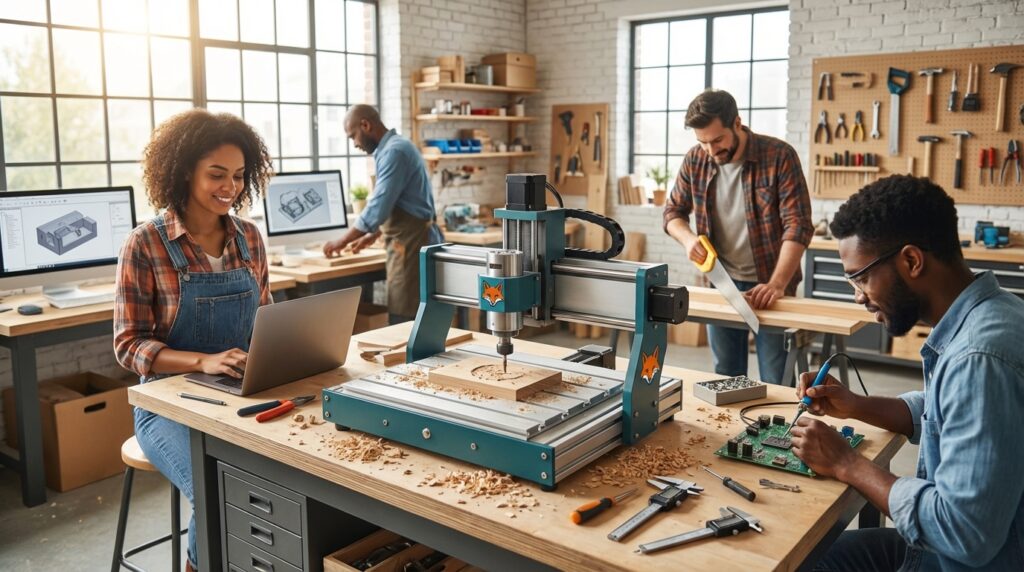
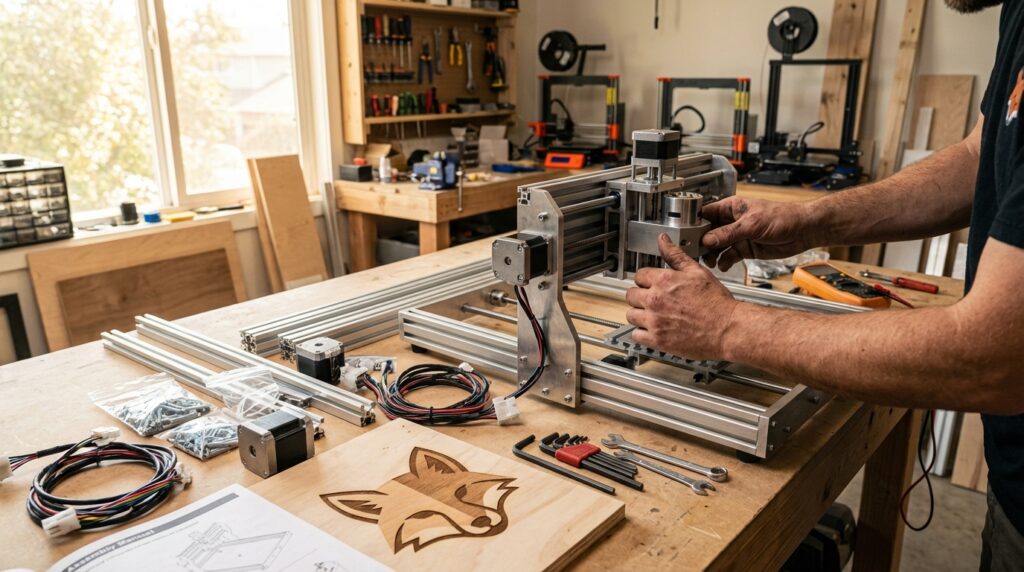
A bright, beginner-friendly workspace showing a starter toolkit, a soldering iron, a microcontroller, a two-wheel robot chassis, and a laptop with block-based programming. Use this image to illustrate weekend maker projects and easy robotics for newcomers.
DIY tools and robotics: Essential cordless tools for beginners
Getting started with DIY tools and robotics
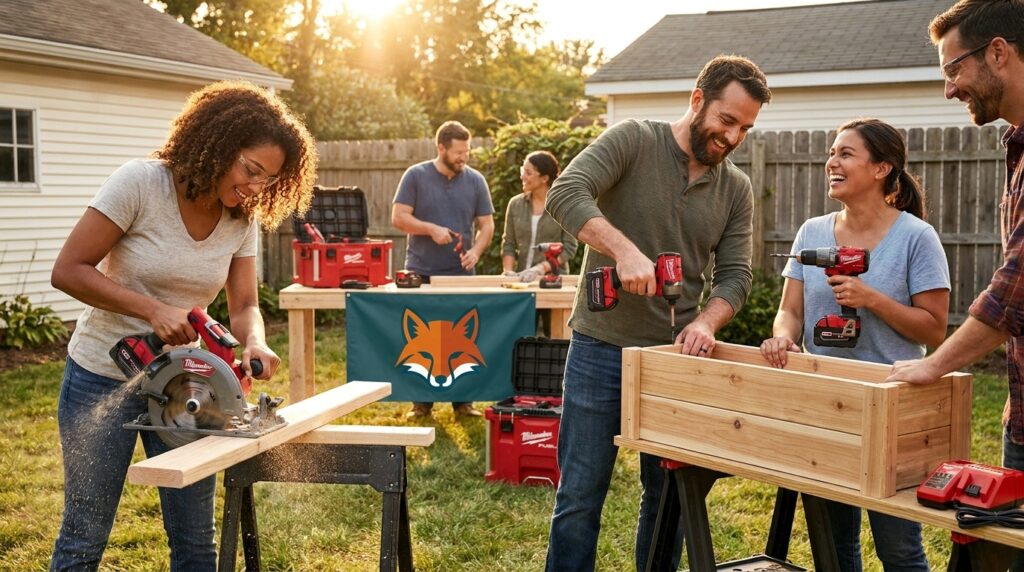
For weekend makers, cordless power tools shrink setup time and expand what you can build. Milwaukee has become a go-to brand for beginners who want reliable batteries and robust performance. Their 18-volt platform covers drills, impact drivers, sawzalls, circular saws, and angle grinders. Buying into one battery ecosystem means fewer chargers and less fuss.
A cordless drill is the workhorse. Use it for precise pilot holes, mounting brackets, and driving screws into frames. An impact driver adds torque for stubborn fasteners without stripping heads. A compact circular saw handles sheet cutting for robot chassis and project bases. An oscillating tool and a recip saw let you trim plastic and metal in tight spots. Angle grinders are useful for smoothing rough edges and cutting metal when needed.
For robotics assembly, pick tools with variable speed and comfortable grips. Brushless motors give longer runtime and less heat. Choose kits that include cases and spare batteries. Prioritize lightweight options so small hands can control them safely. With the right cordless toolkit, weekend projects go faster and feel more professional, while still being accessible for newcomers. Happy making!
Milwaukee tool prices and discounts
Quick price comparison (current discounts):
| Item | Price | Discount |
|---|---|---|
| Milwaukee 18‑volt six-tool set | $499 | 50% off |
| Milwaukee Sawzall (reciprocating saw) | $269 | 51% off |
| Milwaukee Oscillating Multitool | $119 | 40% off |
| Milwaukee Angle Grinder | $299 | 47% off |
| Milwaukee Drill (18V) | $129 | 35% off |
| Milwaukee Impact Driver (18V) | $129 | 35% off |
| Milwaukee Inflator | $299 | 45% off |
| Hole Saw Kit | $29.97 | 40% off |
Use this table to compare buying the six-tool set against purchasing individual items based on which discounts match your starter toolkit needs.
Weekend maker projects that combine DIY tools and robotics
Kick off your first weekend with small, achievable builds that teach core skills and deliver visible results. Start with microcontroller projects such as a soil-moisture plant monitor, an LED notification panel, or a simple line-following robot using an Arduino or micro:bit. These projects require basic soldering, wiring and block-based or Arduino programming—skills that translate directly to robotics education.
For home-focused builds, try smart home installation tasks that pair hardware and automation. Install an Aqara W200 door sensor and connect it to a hub, or wire a TP-Link Tapo smart switch to automate lamps. Combine sensors and microcontrollers to create alerts, timed scenes, or simple voice-triggered routines.
Weekend projects benefit from modular thinking. Use off-the-shelf modules for sensors, motor drivers, and wireless links so you avoid complex custom PCBs. Keep sessions short: aim for a parts-sourcing hour, a build afternoon, and a debugging evening. Expect hands-on learning in electronics, basic programming, and problem solving. The payoff is practical: a functioning gadget, an automated routine, or a small robot that moves on its own. These wins boost confidence and make further projects more inviting. Start small, document each step, and celebrate the tiny victories.
Whether you’re picking up a drill for the first time or assembling your first microcontroller, this guide shows how simple starter kits and weekend projects make learning fast and fun. We highlighted essential, beginner-friendly tools, pocket-friendly Milwaukee cordless options, and bite-sized robotics and smart-home projects that build skills with visible payoff. Follow step-by-step projects to gain hands-on experience in measuring, soldering, wiring, and programming. Start small, use modular components, and iterate—each successful build boosts confidence and opens new possibilities.
LeisureQuest curates practical recommendations, project ideas, and safety tips so you can turn spare hours into an engaging quest. Visit LeisureQuest to find more guides, event links, and inspiration. Explore new tools, play with circuits and code, and keep learning one weekend at a time. Share your builds with local maker groups or online communities. Safety first: always wear eye protection and read manuals before use. Have fun.
Frequently Asked Questions (FAQs)
What are the best starter DIY tools for beginners?
For weekend makers focus on a cordless drill, impact driver, compact circular saw, oscillating multitool, soldering iron, wire strippers, and a basic multimeter. For beginner electronics start with a soldering kit, breadboard, jumper wires, and a simple microcontroller. Stick to one battery platform and prioritize comfort, variable speed, and safety features.
How do I start with robotics projects?
Choose an entry board such as Arduino Arduino or micro:bit micro:bit. Buy a starter kit that includes motors, sensors, and USB cables. Follow guided projects — LED blink, line follower, or soil sensor — and move from block-based to text-based coding.
Where can I find parts and project guides?
Check the LeisureQuest project hub for curated ideas and supplies. Also explore reputable retailers and community maker spaces for kits and discounts.
What are essential DIY safety tips?
Always wear eye protection, work in a ventilated area when soldering, unplug power before servicing circuits, clamp materials when cutting, and keep a fire extinguisher nearby. These DIY safety tips protect you while learning and reduce common hazards.
Any quick tips to build confidence?
Start small, document each build, reuse modular components, and ask questions in maker communities. Celebrate small wins, iterate, and gradually increase project complexity.