
Support Drop for PS4 and Xbox One in Call of Duty: Warzone
Activision’s Support Drop for PS4 and Xbox One in Call of Duty: Warzone is a pivotal announcement for players on older consoles. If you play on PS4 or Xbox One, this news demands attention— it changes how long you can access updates, purchases, and online play. The company says support will end later this year, affecting storefront access and in-game services and ultimately requiring players to migrate to newer hardware if they want to keep playing.
This article breaks down what the support drop means, which features will be affected, and the practical steps players should take next. Expect clear timelines, impact analysis for casual and competitive players, and upgrade guidance for PS5 and Xbox Series consoles. Read on to understand how the change will alter Warzone’s lifecycle and how you can prepare before services are removed. Let’s dive in.
Support Drop for PS4 and Xbox One in Call of Duty: Warzone
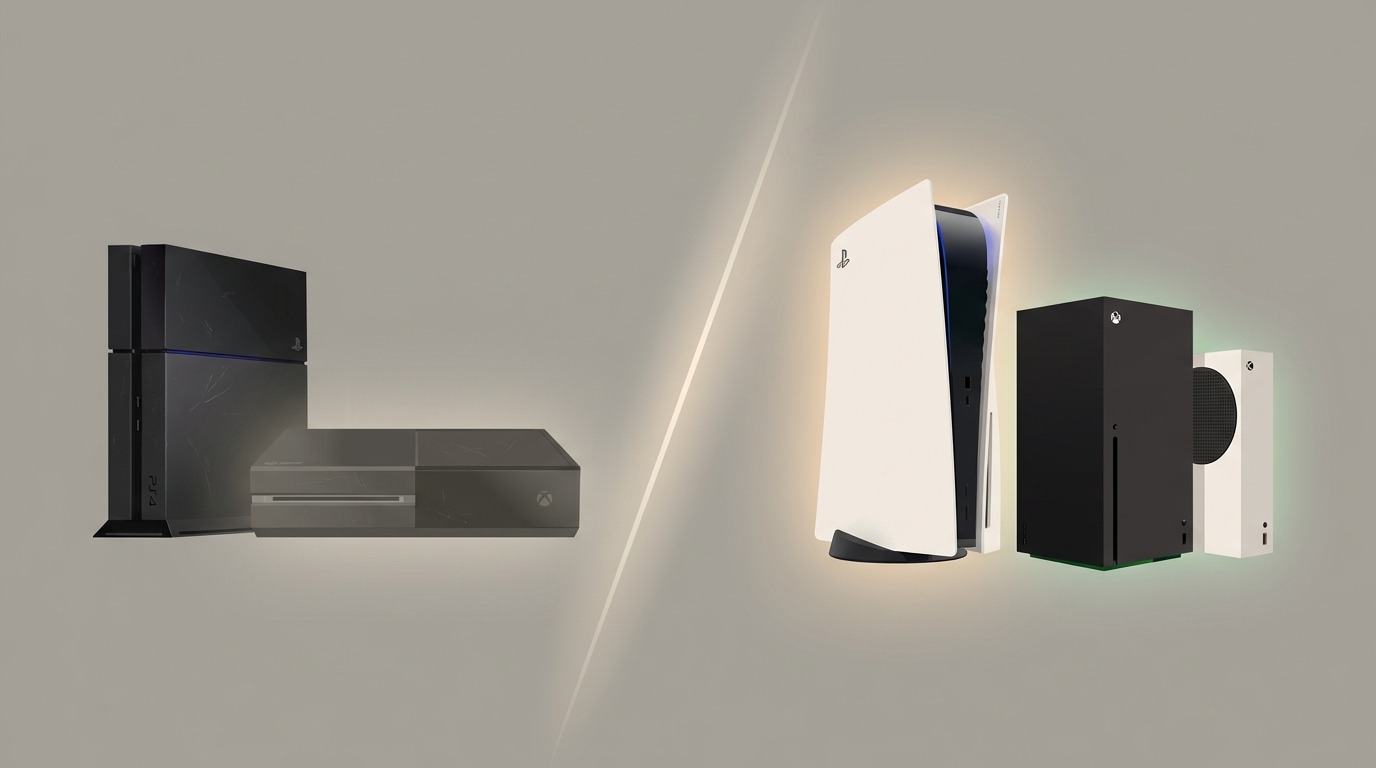
The Support Drop for PS4 and Xbox One in Call of Duty: Warzone signals a phased end to the game’s presence on older consoles. Activision will retire platform-specific services in stages, moving from storefront delisting to in-game shop closures and, ultimately, disabling playability when the next major season launches.
Lifecycle overview:
- Early lifecycle: Warzone received regular patches, seasonal content, and cross-generation updates on PS4 and Xbox One since launch. Those updates provided parity with newer consoles for much of the game’s run.
- Storefront removal (June 4): The title will be removed from PS Store and Microsoft storefronts. New purchases and fresh downloads through those storefronts won’t be available after this date.
- In-game store removal (June 25): Warzone’s in-game shop will close, preventing further cosmetic or bundle purchases inside the game.
- Playability end (tied to Modern Warfare 4 season 1): Once Call of Duty: Modern Warfare 4 season 1 begins later this year, Warzone on PS4 and Xbox One will no longer be playable.
Player impact:
- No new patches, balance updates, or seasonal content on legacy hardware.
- Purchased content could become inaccessible for new installs after delisting; verify you can re-download entitlements before June 4.
- Competitive and social play will be disrupted; organized teams should plan migrations and communication ahead of shutdown dates.
- Continued play requires upgrading to PS5 or Xbox Series consoles to receive future updates and servers.
This section outlines the phased shutdown so players can prioritize backups, transfers, and hardware upgrades before each cutoff.
How Audio Gear Boosts Competitive Play in Warzone
High-quality audio separates casual players from competitive ones. Clear directional sound helps you locate footsteps, gunfire, and vehicle movement faster. In fast-paced matches, those extra milliseconds matter.
Best gear types and why they help:
- Wired stereo or surround headsets: Deliver low-latency, consistent audio. Good stereo imaging often outperforms poorly implemented virtual surround.
- Headphones with strong bass response: Improve perception of distant footsteps and vehicle rumble without masking high frequencies.
- Open-back headphones (for desktop players): Offer a wider soundstage for better spatial cues during rank matches and scrims.
- Dedicated DAC or amp: Reduces noise and improves clarity on PC and consoles that support optical/USB audio.
- High-quality earbuds: Portable and precise; useful when you can’t use full headsets but still need accurate audio cues.
- Noise-cancelling microphones: Keep team comms clean so callouts are heard immediately.
- Low-latency wireless models optimized for consoles: Provide convenience without sacrificing timing-sensitive cues.
Practical tips:
- Prioritize clear mids and highs for footsteps over booming bass.
- Test audio in-game to tune EQ for footsteps and weapon signatures.
- As players migrate to newer consoles, take advantage of platform 3D audio features (PS5 Tempest, spatial audio on Series) to gain a spatial advantage.
Investing in the right audio setup pays off in reaction time, awareness, and coordinated team play.
| Feature | PS4 status | Xbox One status | Upgrade path |
|---|---|---|---|
| Support status | Phased end of support; final playability tied to Modern Warfare 4 Season 1 later this year | Phased end of support; final playability tied to Modern Warfare 4 Season 1 later this year | Move to PS5 for continued updates and playability |
| Storefront availability | Removed from PlayStation Store on June 4 — no new purchases or fresh downloads after this date | Removed from Microsoft Store on June 4 — no new purchases or fresh downloads after this date | Buy or migrate to PS5 / Xbox Series to reaccess updated storefront content |
| In-game store | Closed June 25 — in-game purchases disabled | Closed June 25 — in-game purchases disabled | Use newer consoles to continue buying new cosmetics and bundles |
| Playability | Game will be unplayable once MW4 Season 1 launches later this year | Game will be unplayable once MW4 Season 1 launches later this year | Upgrade consoles to keep playing Warzone on supported platforms |
| Purchases & re-downloads | Existing entitlements tied to account may remain; verify you can re-download before June 4 | Existing entitlements tied to account may remain; verify you can re-download before June 4 | Link accounts and back up purchased content before migrating |
Conclusion
The Support Drop for PS4 and Xbox One in Call of Duty: Warzone marks a firm end to legacy-console support. Storefront listings end on June 4, the in-game shop closes on June 25, and the game will become unplayable once Modern Warfare 4 Season 1 launches. Verify re-downloads and back up purchased content before these cutoffs.
To keep playing and receive future updates, upgrading to a PS5 or an Xbox Series S/X is essential. New consoles retain seasonal content, patches, and storefront access. Competitive players should migrate early to avoid disrupted squads and lost progress.
Also link platform accounts and enable cloud saves where available to preserve progress across upgrades. Take advantage of next-gen features like improved load times and 3D audio for a measurable competitive edge.
LeisureQuest helps players make informed upgrade and gear decisions so leisure time stays rewarding. For practical guides, upgrade checklists, and gear advice, visit LeisureQuest and keep exploring new ways to level up your play.
Frequently Asked Questions (FAQs)
What does the Support Drop for PS4 and Xbox One in Call of Duty: Warzone mean?
The support drop ends ongoing development and platform services for Warzone on PS4 and Xbox One. That includes future patches, seasonal content, and platform-specific storefront or in-game purchases.
What are the key dates I need to know?
- June 4: Warzone removed from PS and Microsoft storefronts; no new purchases or fresh downloads.
- June 25: In-game store closes; cosmetic purchases disabled.
- When Call of Duty: Modern Warfare 4 Season 1 launches later this year: Warzone becomes unplayable on PS4 and Xbox One.
Will I lose my purchased items and progress?
Existing entitlements are tied to your account but may not be available for new installs after delisting. Do this before June 4:
- Verify you can re-download purchased items.
- Link your Activision account to console accounts.
- Enable cloud saves or local backups where possible.
If anything looks missing, contact platform support and Activision support promptly.
Can I keep playing Warzone on PS4 or Xbox One after these changes?
You can play until Modern Warfare 4 Season 1 begins. After that, servers and client support for those consoles will stop and the game will be unplayable. To continue playing, upgrade to PS5 or Xbox Series S/X.
How do I upgrade and preserve my progress?
- Link and verify your Activision account for cross-progression.
- Enable cloud saves on your console.
- Re-download entitlements before storefront delisting.
- Purchase or migrate to PS5 or Xbox Series and sign in with the same accounts.
For transfer issues, contact Activision or platform support.