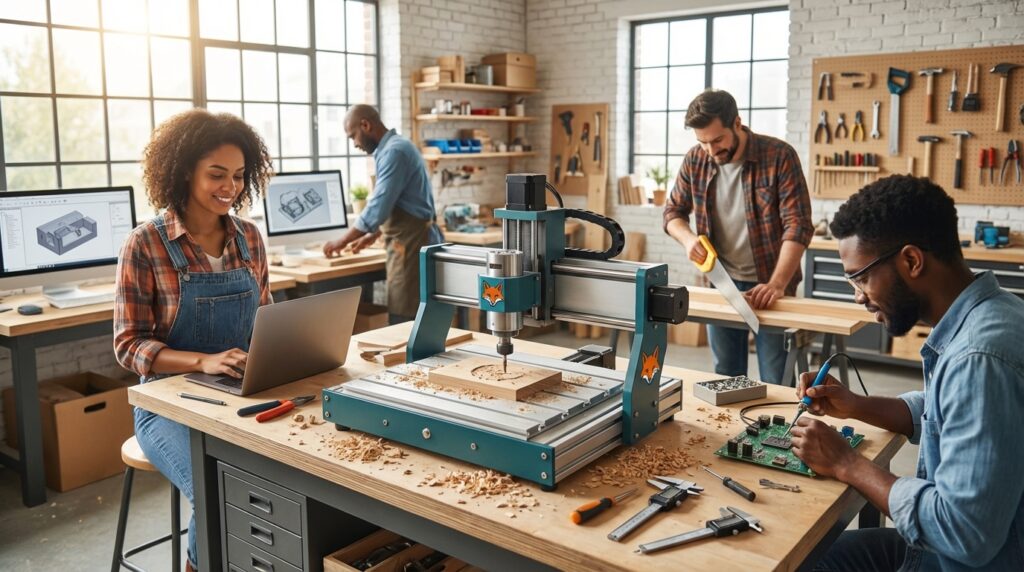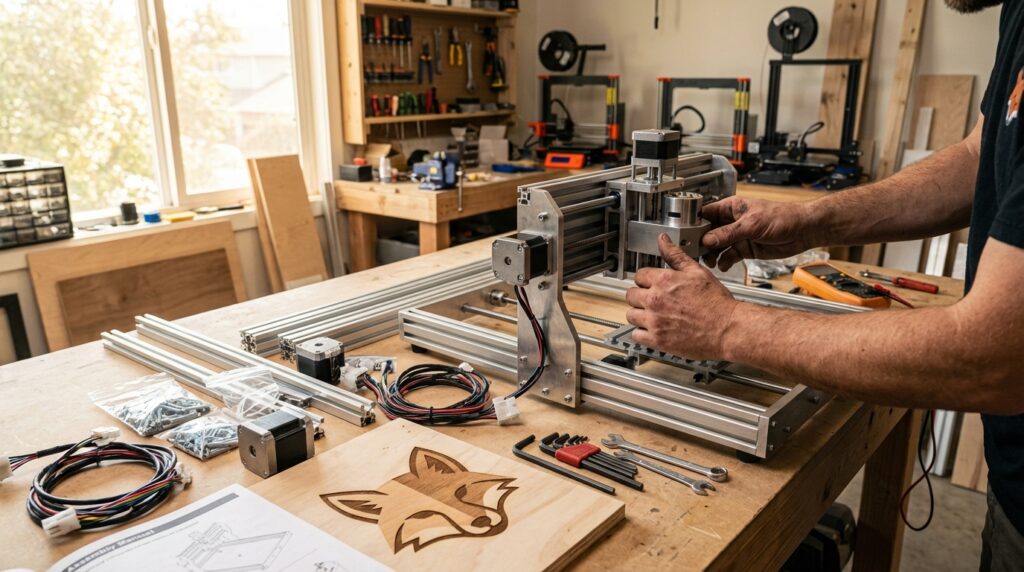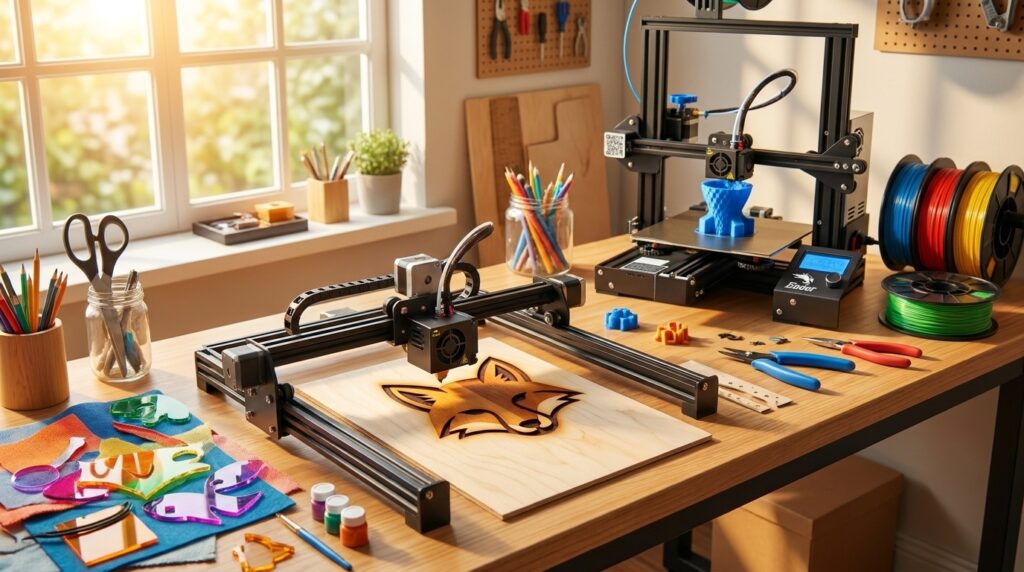
Welcome to the world of DIY creativity, where technology meets innovation in the form of Laser Engraving—a craft that’s as thrilling as it is approachable. The realm of laser engraving offers beginner enthusiasts an exciting entry point into the maker movement.
With user-friendly devices now more affordable than ever, you can explore a diverse range of projects, from personalizing gifts to crafting intricate designs with precision and ease. Whether you’re drawn to the artistic potential of color craft lasers or the functional versatility of starter CNC guides, you’re not just starting a hobby; you’re embarking on a journey of endless creative possibilities.
Join the vibrant community of makers who discover daily how empowering and fun technology-driven crafts can be!
What is Laser Engraving?
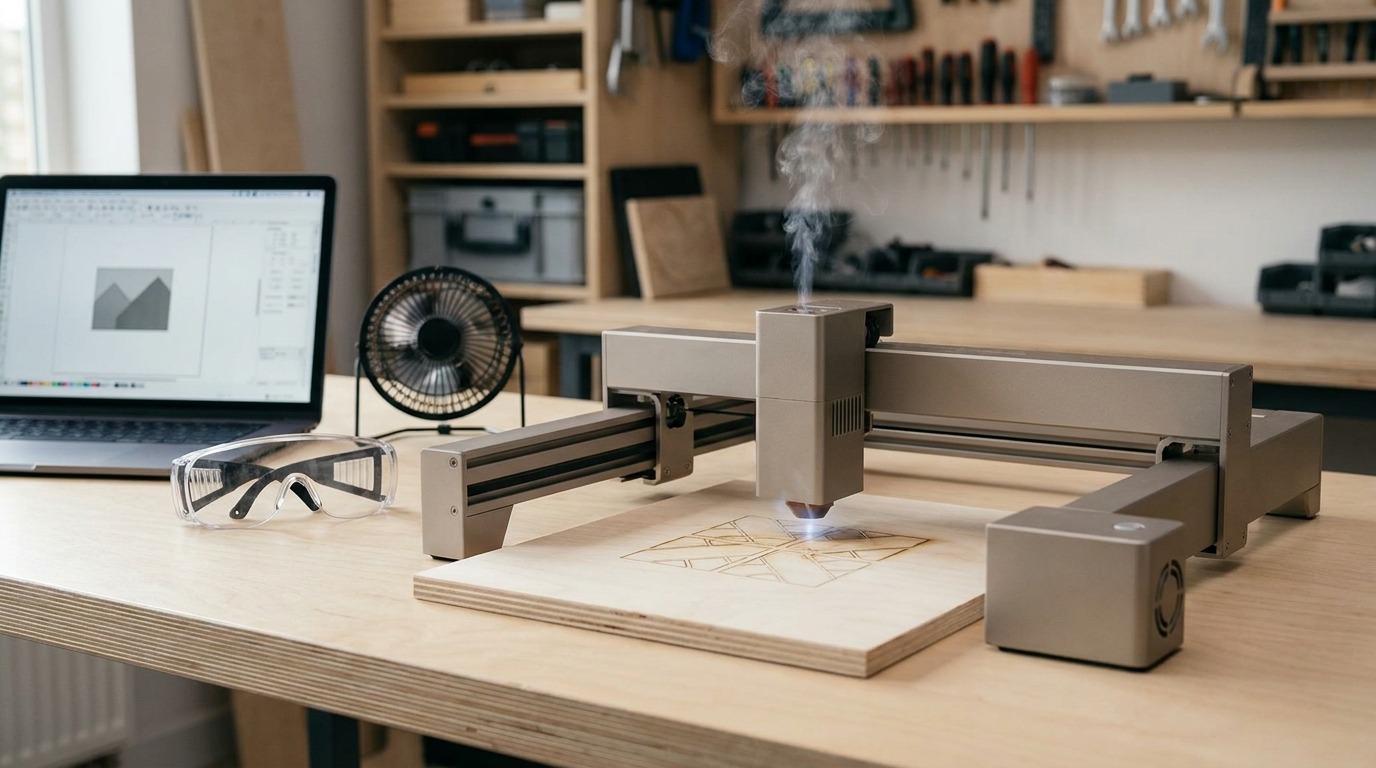
Laser engraving uses a focused laser beam to remove material and mark surfaces with high precision. It differs from cutting by using lower power or faster passes to etch rather than sever. Laser engraving is used on wood, acrylic, leather, anodized aluminum, glass, and coated metals. The process supports both detailed raster images and vector line work, making it ideal for logos, text, and detailed artwork.
How laser engraving works
A laser emits a concentrated beam aimed at a tiny focal point on the workpiece. The beam’s energy vaporizes or burns microscopic material layers. Computer-controlled motion moves the beam or the workpiece in X and Y axes. Two common modes are raster engraving, which scans like an inkjet, and vector engraving, which traces lines. Key parameters are power, speed, and resolution (DPI). Changing those adjusts depth, contrast, and edge quality.
Why it’s beginner-friendly
Several features make laser engraving approachable for newcomers. Modern laser engravers include material libraries and ready-made profiles for common laser engraving materials. That reduces trial and error. “Many lasers ship with stock material libraries, and there are massive online communities to help.” Device setup is mostly plug-and-play compared with CNC mills. “Laser engraving is actually fairly straightforward.” Also, lasers have fewer moving mechanical parts than other machines, which lowers maintenance.
Machines and materials to consider
Entry-level machines like the xTool M2 and portable options such as the LaserPecker LP4 illustrate the range available. The xTool M2 even combines a 16″×12″ laser cutter with a CMYK inkjet module for extra creativity. Lasers in the $500 to $1,000 range are widely available for hobbyists, making DIY laser projects accessible. For first projects, try birch plywood, anodized aluminum, leather, and acrylic. Start with manufacturer-recommended settings and small test cuts.
“Lasers are among the easiest manufacturing processes to use, compared to CNC mills and 3D printers.” That simplicity plus robust community support explains why laser engraving is growing in the DIY scene. It scales from personalized gifts to small-run custom products.
Laser Engraving: Quick comparison of entry-level machines
| Model | Approx. Price (USD) | Engraving Area | Key features | Unique selling point |
|---|---|---|---|---|
| xTool M2 | ~$600 | 16″ × 12″ (≈406 × 305 mm) | Full‑color craft laser + cutter; dual‑camera workspace preview; extensive material profiles; enclosed design for safer indoor use | Larger bed and color craft capability at an accessible starter price |
| LaserPecker LP4 | ~$1,199 | 160 × 120 mm | Dual‑laser system (diode + IR); portable and lightweight; touchscreen offline control; high engraving speed | Portable power for on‑site engraving and fast production runs |
| xTool F1 | ~$2,100 | 115 × 115 mm | High‑speed diode laser with fine vector/raster control; compact footprint; precise results for small items | Portable, high‑precision option for jewelry and small commercial work |
| WeCreat Lumos | ~$1,020 | 116 × 116 mm | Dual‑laser modes; auto‑focus and manual focus; top HD camera for live preview; handheld and tabletop operation | Flexible form factors (handheld + tabletop) with strong camera preview features |
Prices and availability change frequently; listed values are approximate and intended for quick comparison.
Sources:
Creative DIY Projects with Laser Engraving
Laser engraving opens a low-barrier path to projects that feel handmade and professional. Below are starter-friendly ideas, materials to use, quick steps, and small tips so beginners can get results fast.
Personalized gifts (easy)
- Examples: engraved keychains, photo plaques, custom coasters, nameplates.
- Materials: birch plywood, leather, anodized aluminum, coated acrylic.
- Quick plan: pick or trace a simple design, set manufacturer-recommended power/speed, run a test on scrap, then engrave the final piece.
- Tip: add a clear seal or oil to wood to deepen contrast and protect the finish.
Home decor and signage (easy–medium)
- Examples: wall signs, clock faces, custom coasters, lamp panels with cutouts.
- Materials: hardwood veneers, 3mm–6mm acrylic, cork, MDF.
- Tip: combine engraving and cutting in one job to create layered, three‑dimensional effects.
Custom crafts and accessories (medium)
- Examples: leather wallets, wooden puzzles, engraved pens, jewelry tags.
- Materials: veg‑tan leather, hardwood scraps, thin metals with anodized layers.
- Tip: for leather, test low power to avoid charring; for fine cuts use multiple passes rather than max power.
Mixed-media and full-color craft experiments (medium)
- Use color craft lasers or combine engraving with ink/UV printing on the same panel.
- Idea: engrave registration marks, then print or hand-paint fills for a hybrid look.
Functional workshop helpers (easy)
- Examples: tool organizers, drill‑bit holders, router fences, jigs printed or cut to fit.
- Benefit: fast prototyping for other maker tools like CNC or 3D printers.
Project tips for beginners
- Start with small test tiles and keep a settings log for each material.
- Use masking tape on acrylic to reduce smoke staining.
- Join online communities for shared material profiles and project files.
Laser engraving makes personalized gifts, decor, and practical tools accessible. Treat your first projects as playful experiments, and you’ll quickly build a library of go-to settings and creative templates for future DIY laser projects.
Laser engraving lowers the barrier between idea and object. Accessible hardware, forgiving materials, and strong community support make it an ideal first-step maker project for beginners. Whether you want to personalize gifts, decorate your home, or prototype a small product, laser work rewards curiosity and iteration.
LeisureQuest curates reliable, beginner-focused resources to help you pick projects, machines, and safety practices so leisure time becomes skill-building time. Ready to turn your free hours into an engaging quest? Explore step-by-step guides, project ideas, and gear roundups at LeisureQuest — your go-to source for quality leisure activities and DIY inspiration.
Visit LeisureQuest to find project blueprints, settings tips, and next steps that match your interests. Start small, play often, and let making expand what you do for fun.
Frequently Asked Questions (FAQs)
How do I choose the right beginner laser engraver?
Start by matching bed size and power to your projects. Choose a device with good safety features, easy-to-use software, and strong community support. Consider portability vs workspace size: portable units like the LaserPecker LP4 fit on-the-go jobs while desktop machines such as the xTool M2 offer larger engraving areas. Set a budget and compare warranty and replacement-part availability. See the comparison table above for quick reference.
What materials are safe to engrave?
Common safe materials include birch plywood, hardwoods, acrylic, leather, anodized aluminum, and glass. Always avoid PVC and other halogenated plastics; they release toxic fumes. Start with small test tiles and keep a settings log for each material. Manufacturer material libraries are invaluable for matching laser engraving materials to settings.
Is laser engraving safe for beginners?
Yes, when you follow basic safety practices. Use eye protection if recommended, run machines in a ventilated area or with proper exhaust, keep a fire extinguisher nearby, and never leave a job unattended. Enclosed machines and automatic shutdown features add safety for home use.
Where can I find designs and material settings for DIY laser projects?
Look to your machine’s built-in libraries, manufacturer support pages, and maker communities (forums and subreddit groups). Free vector repositories and marketplaces provide SVG and DXF files. Save or share tested settings to speed future DIY laser projects.
What maintenance and supplies should I expect?
Plan for occasional lens cleaning, air‑assist maintenance, exhaust filters, and replacement belts or motors on older machines. Consumables include masking tape, replacement lenses or nozzles, and stock materials like plywood and leather. Compared to CNC mills and 3D printers, laser engravers usually require less mechanical maintenance.