Introduction
Staying productive in a world of constant pings, feeds, and multitasking is harder than ever. Focus Timer Apps offer a simple, research-aligned way to structure work into short, concentrated sessions and reduce the pull of distractions.
This article explores how small, repeatable rituals—paired with the right tools—help you work with more attention and less friction. We focus on user experience and realistic routines, not theory. Expect practical tips you can try today.
What this article will cover:
- How Focus Timer Apps work and which features make them effective for real tasks.
- Quick profiles of three user-friendly focus apps and what sets each apart.
- Ways to combine short at-home fitness moves and simple gear with focus sessions.
- Sample routines that blend timers and micro-workouts for energy and concentration.
- Tips to build sustainable rituals, avoid burnout, and measure progress.
Whether you need a nudge to start a deep session or a gentle ritual to reset during the day, this guide shows how small, tangible steps can lift focus and wellbeing.
Comparison: Focus Timer Apps and app features
This comparison looks at three focused, user-friendly focus tools and how their features shape the experience of staying on task. Each app uses simple time-tracking plus a unique motivational mechanic to reduce distractions and make focused work more rewarding.
Focus Timer Apps — Focus Friend: cutesy companionship as a focus tool
Focus Friend uses a virtual bean that knits during your session. That small, friendly animation gives a sense of company and progress.
- Time tracking: records session lengths and history to help you measure consistency.
- Motivation: the “companionship” element encourages returning to sessions.
- Distraction control: the app enforces session boundaries so you avoid multitasking.
User note: “The extra dollop of cutesy companionship in Focus Friend helps with sticking to a task.”
Focus Timer Apps — Forest: gamified growth and real-world impact
Forest turns each focus session into a seed that grows into a virtual tree. Over time you build a forest, and the app links growth to real-world reforestation projects.
- Time tracking: straightforward session timers and daily streak views.
- Motivation: visual progress (a growing forest) and external impact amplify purpose.
- Distraction control: the app discourages phone use during sessions and rewards completion.
User note: “Forest allows you to grow a virtual forest while you work, which is linked to real-world tree planting.”
Focus Timer Apps — Focus Traveller: visual journeys for sustained attention
Focus Traveller frames work as steps along a scenic route. Each session advances your journey through visuals that mark progress.
- Time tracking: logs session duration and maps progress across the journey.
- Motivation: narrative momentum — completing sessions feels like moving forward on a trip.
- Distraction control: focuses attention by making interruptions feel like setbacks.
User note: “Focus Traveller frames work as steps along a scenic journey, motivating focus through visual progress.”
How these focus tools compare on encouragement and blocking distractions
All three Focus Timer Apps share core functions: they track time, make progress visible, and help block or reduce interruptions. Their differences lie in the emotional hook:
- Focus Friend adds social softness and ritual.
- Forest ties focus to visible growth and real-world good.
- Focus Traveller adds narrative momentum and exploration.
Choose the app whose motivational style fits your habits. Each supports the same core goal: measurable, distraction-reduced focus sessions that are easier to repeat.
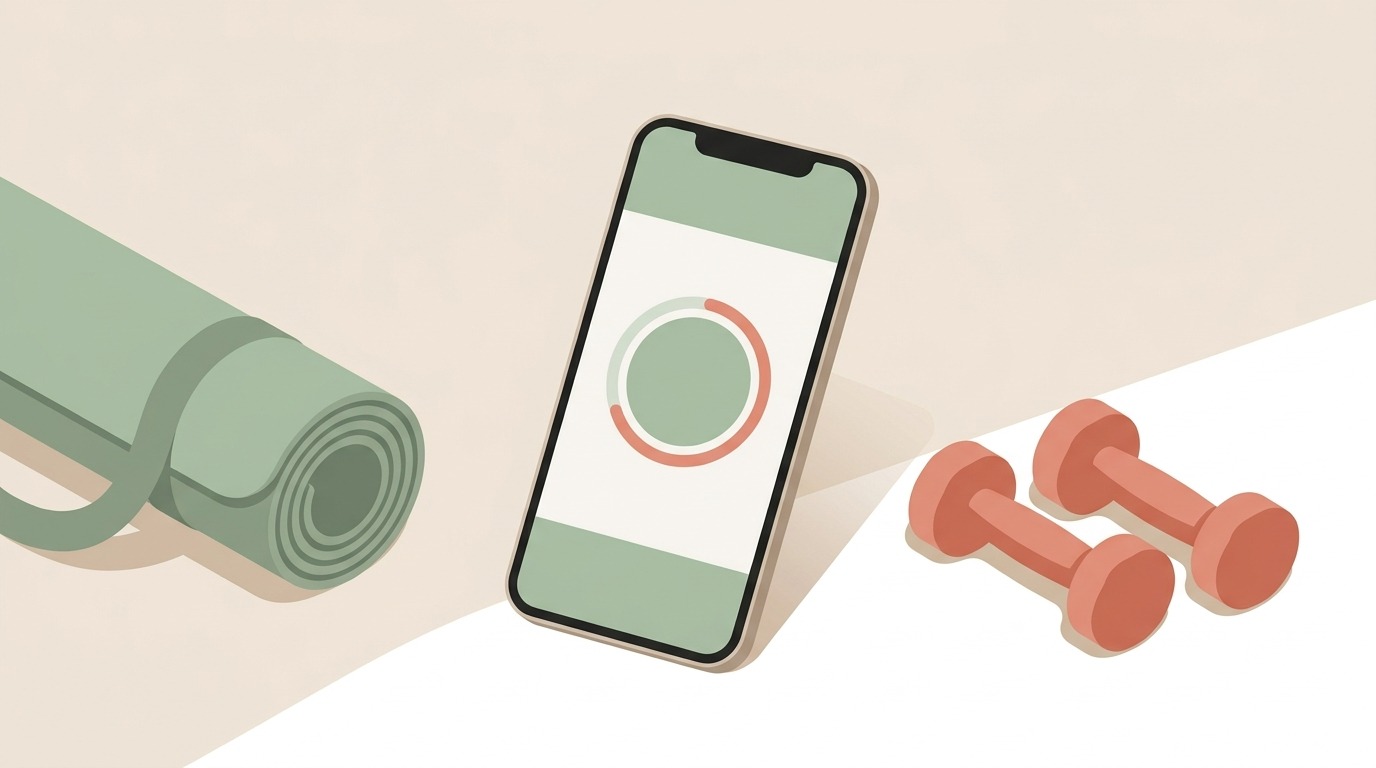
A minimal, calm illustration featuring a modern smartphone displaying an abstract focus timer interface, placed beside a rolled yoga mat and a pair of small dumbbells. Soft pastel colors and clean flat shapes convey balance between technology and physical activity.
Small rituals for mindful productivity and at-home fitness gear
Tiny, repeatable rituals make focus sustainable. Pairing Focus Timer Apps with a few simple pieces of at-home fitness gear helps interrupt distractions, reset energy, and support overall wellness.
When you treat a focus session as a short ritual, it becomes easier to stick to a task. Technology aids the routine by timing sessions, blocking interruptions, and making progress visible. Physical movement between sessions resets attention and reduces mental fatigue.
Why integrate movement and timers?
- Movement reduces stress and refreshes cognitive resources.
- Timed sessions limit decision fatigue and curb opportunistic distractions.
- Visible progress and small victories build motivation and wellness habits.
Practical small rituals to adopt
- Morning setup (2–3 minutes): Lay out a yoga mat and light dumbbells. Open your Focus Timer App and set the first session. The visible prep cues your brain to start.
- Pomodoro + micro-circuit: Work 25 minutes, then do 3–5 minutes of bodyweight moves. Try squats, calf raises, or quick yoga stretches. Short activity boosts circulation and focus for the next block.
- Breath-and-reset break: After each session, take 60 seconds for deep breathing on the mat. Use a breathing pattern like 4-4-4 to calm the nervous system before returning to work.
- Gear-as-a cue: Keep a kettlebell or resistance band near your desk. Touching the gear becomes a tactile cue that signals a deliberate break.
- Evening wrap-up ritual: Log completed sessions in the app, roll up your mat, and note one small win. Tracking builds momentum and reduces stress before sleep.
Tips for sticking to these rituals
- Start small. One short ritual a day beats many ambitious routines.
- Combine app reminders with visible gear to reduce forgetfulness.
- Treat interruptions as part of the process; reset quickly and resume the timer.
These micro-rituals blend digital structure with physical resets. Over weeks, they strengthen attention, lower stress, and support balanced productivity and wellness.
Quick feature comparison of Focus Timer Apps
Use this table to scan core differences and pick the app that fits your motivational style.
| App | Unique motivational feature | Platform availability | Tracking & blocking capabilities | Social / environmental impact |
|---|---|---|---|---|
| Focus Friend | Virtual bean that knits; feelings of companionship | iOS, Android | Session timers, session history, enforces session boundaries to reduce distractions | No notable environmental feature |
| Forest | Gamified tree growth; visual forest and progress | iOS, Android | Session timers, streaks, discourages phone use during sessions | Partners with tree-planting initiatives; real-world reforestation support |
| Focus Traveller | Visual journey and narrative progress through scenic routes | iOS (currently) | Session logging and progress maps; makes interruptions feel like setbacks | No notable environmental feature |
Note: Platforms and features change over time; check app stores for latest details.
Conclusion
Focus Timer Apps and small, repeatable rituals offer a practical path to clearer attention and steadier productivity. When short timed sessions are paired with simple at-home movement, you get a routine that helps you stick to a task, reduces the pull of distractions, and refreshes mental energy between work blocks.
The core insight of this article: combining digital structure with brief physical resets makes focused work easier to start and sustain. Timers give measurable progress and boundaries. Micro-workouts and breath breaks restore focus and support overall wellness. Together they build habits that feel doable and rewarding.
LeisureQuest’s mission is to inspire exploration, play, and continuous learning. If you want more actionable wellness tips, routines, and gear ideas that support mindful productivity, visit LeisureQuest and explore our guides at LeisureQuest.
Try one small ritual this week: set a single focus timer and add a two-minute movement break after it. Notice how a tiny, consistent change shifts your attention and wellbeing.
Frequently Asked Questions (FAQs)
What are Focus Timer Apps and how do they help me stick to a task?
Focus Timer Apps structure work into short timed sessions. They make progress visible, track session history, and reduce the urge to multitask. That structure helps you stick to a task and see measurable progress.
Can I combine a focus app with quick at-home fitness routines?
Yes. Use the timer to schedule work blocks and short movement breaks. Example: 25 minutes focused work, 3–5 minutes of stretching or bodyweight moves, then resume. Movement boosts circulation and resets attention.
Do these apps actually block distractions?
Capabilities vary by app. Many offer session enforcement, reminders, or discourage phone use. Combine app settings with Do Not Disturb on your device and simple environmental cues like visible gear to reduce interruptions.
How do I choose the right motivational style?
Pick what feels motivating. If you like cute companionship, try a social-feel app. If progress visuals motivate you, try gamified growth. If narrative drives you, use a journey-style app. Match the app to your habits.
How can I build a ritual that lasts?
Start tiny, keep consistency, track small wins, and adjust durations. Pair timers with a tangible cue—rolling out a mat or touching a kettlebell—to reinforce the routine. Prioritize wellness and rest.
Frequently Asked Questions (FAQs)
What are Focus Timer Apps and how do they help me stick to a task?
They break work into short blocks (e.g., 25/5). Actionable: set 1–3 goals, start the timer, mark the task when done. Check session logs weekly.
Can I combine a focus app with quick at‑home fitness routines?
Yes. Work 25 minutes → 3–5 minutes movement. Use the app to time both; keep a mat or weights visible.
Do these apps block distractions?
Some do. To maximize blocking: enable the app’s strict/lock mode; turn on your device’s Focus/Do Not Disturb; set Slack/Teams to DND or add an auto‑reply; put your phone in another room.
How do I integrate timers with calendar and task tools?
Create calendar events named “Focus: [task]” that match your timer length. Use Zapier or IFTTT to trigger timers from calendar events. Add a #pomodoro tag in Todoist/Trello/Notion and mark tasks after each session.
How can I build a ritual that lasts?
Start with one daily session anchored to an existing habit (coffee, morning email). Track sessions for one week, then add another. Small, consistent wins beat big plans.
What if I get interrupted mid‑session?
Pause, jot a 30‑second note about the interruption, decide to defer or handle it, then restart a fresh timed session.